EasyJobViewer
The EasyJobViewer is used to open, analyse and optimise EasySightPro® without affecting productive operation.
Important: EasySightPro® can run in the background and is not influenced by EasyJobViewer.
Range of functions:
-
Open a program directly from an EasySightPro backup (zip file)
-
Opening, editing and saving a program via the EasySightPro database (Database.sdf)
-
Opening, editing and saving a program export (*.esj)
-
Open, edit and save an EasyTools template (*.vpp, *.vtt)
-
Simulation and optimization of the test procedure using reporting data

 "Programs" menu

|
Open the EasySightPro® database (protection by means of user authentication). |

|
Open EasySightPro® export files (*.esj). |

|
Opening EasyTools templates (*.vpp, *.vtt) |

|
Enables the charging process to be aborted. |
"Image data (reporting)" menu

|
Opening EasyTools templates (*.vpp, *.vtt) |

|
Selects the first data record in the list. |

|
Selects the previous data record in the list. |

|
Selects the next data record in the list. |

|
Selects the last data record in the list. |

|
Activates the automatic playback of the list: "Fast": 100ms waiting time until the next image. "Slow": 250ms waiting time until the next image. |

|
Pauses/stops automatic playback. |

|
The loaded data can be filtered. For partial texts, * must be used as a wildcard. |
Editing a program
The procedure for processing an existing test program is described here:
-
Open the EasySightPro® database
(default path: %ProgramData%\EasySightPro\Database.sdf) -
User login
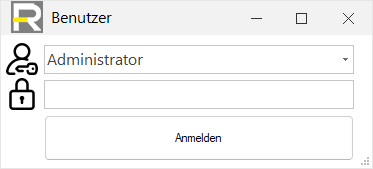
-
Select and load inspection program
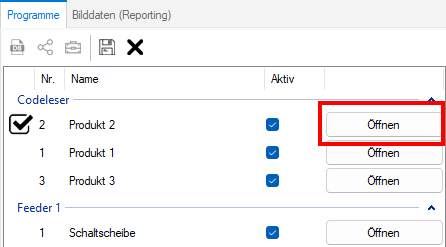
-
Loading image data (reporting)
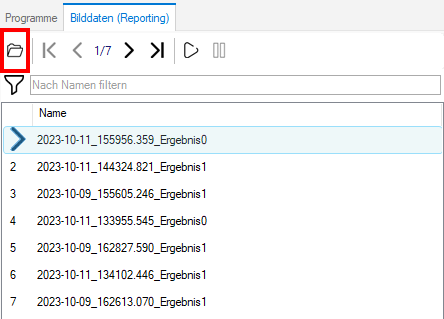
-
Load data set into the inspection using
-
Edit program and make your changes
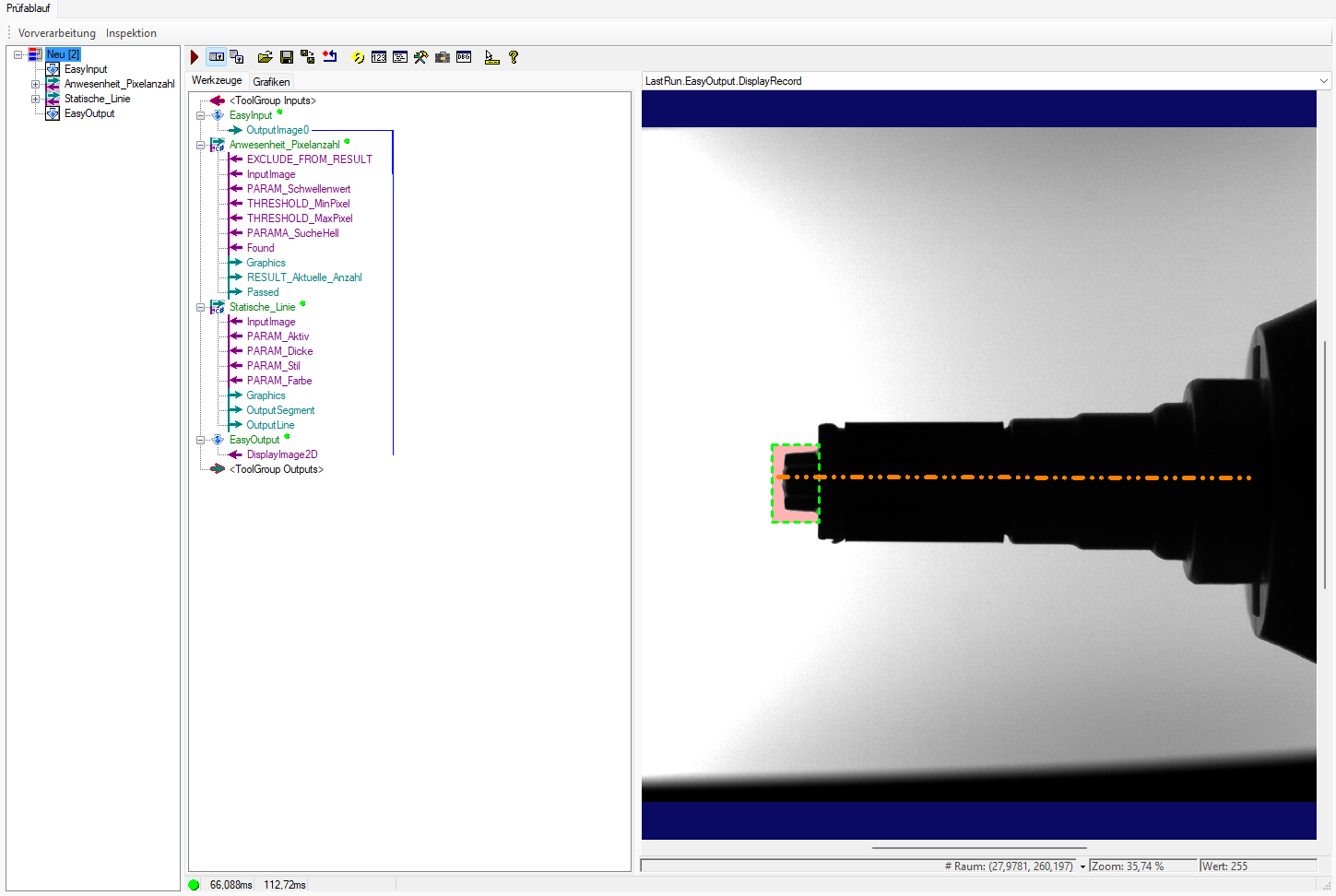
-
Save changes

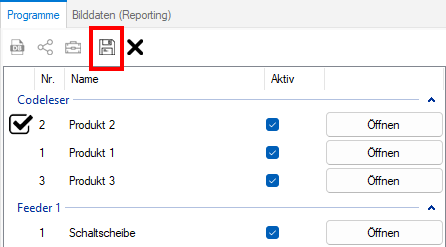
Information: When you save, all changes are written to the programme binary. The inspection programme must be reloaded for the changes to be adopted by EasySightPro®.