EasyReportingViewer
The EasyReportingViewer is used to view and analyse reporting data records.
Information: A reporting data set contains all relevant data for comprehensive diagnosis of the test results: Images for simulation, diagnostic data for PLC communication, test parameters and test results.
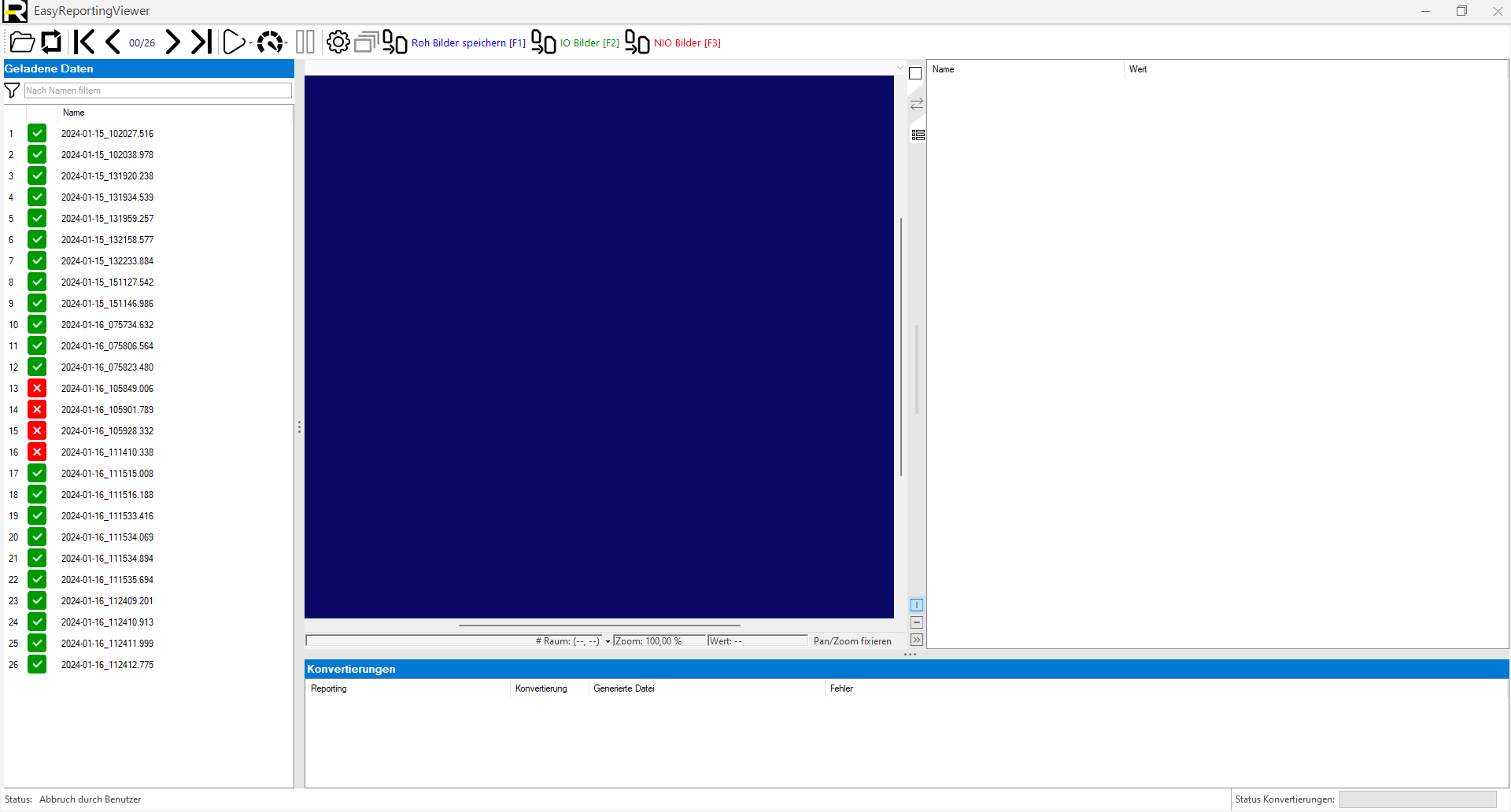
 Menu
Menu

|
Opens the folder selection. The selected subfolder is searched for reporting data records. |

|
Re-reads the reporting data records from the last selected folder. |

|
Enables the charging process to be cancelled. |

|
Selects the first data record in the list. |

|
Selects the previous data record in the list. |

|
Selects the next data record in the list. |

|
Selects the last data record in the list. |

|
Activates automatic playback of the list: Play to the end: Reads all data records to the end of the list. Play until NOK: Loads all data records up to the end of the list or up to the next NOK result. |

|
Playback speed "Maximum": 20ms waiting time until the next image. |

|
Playback speed "Fast": 100ms waiting time until the next image. |

|
Playback speed "Slow": 250ms waiting time until the next image. |

|
Playback speed "Comfortable": 500ms waiting time until the next image |

|
Pauses/stops automatic playback. |

|
Manage the conversion settings. Exports of data records can be defined under this item. |

|
Converts all data records with the selected settings. |
Loaded data
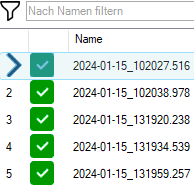
The loaded data records are displayed in this window and can be loaded with a mouse click or via the menu.
The loaded data can be filtered using  . For partial texts, * must be used as a wildcard:
| List without text Filter | List with filter from *_13* |
|

|
Conversions
Conversions enable the export of reporting data to another image format. The sepsrat folder can be set for each conversion.
Information: The first 12 conversions can be started by pressing F1 to F12 for the selected data record using the quick start function.
Menu
|
|
Manage the conversion settings. Exports of data records can be defined under this item. |
|
|
Converts all data records with the selected settings. |
Example

Progress
The progress is displayed at the bottom of the window.

Display data set
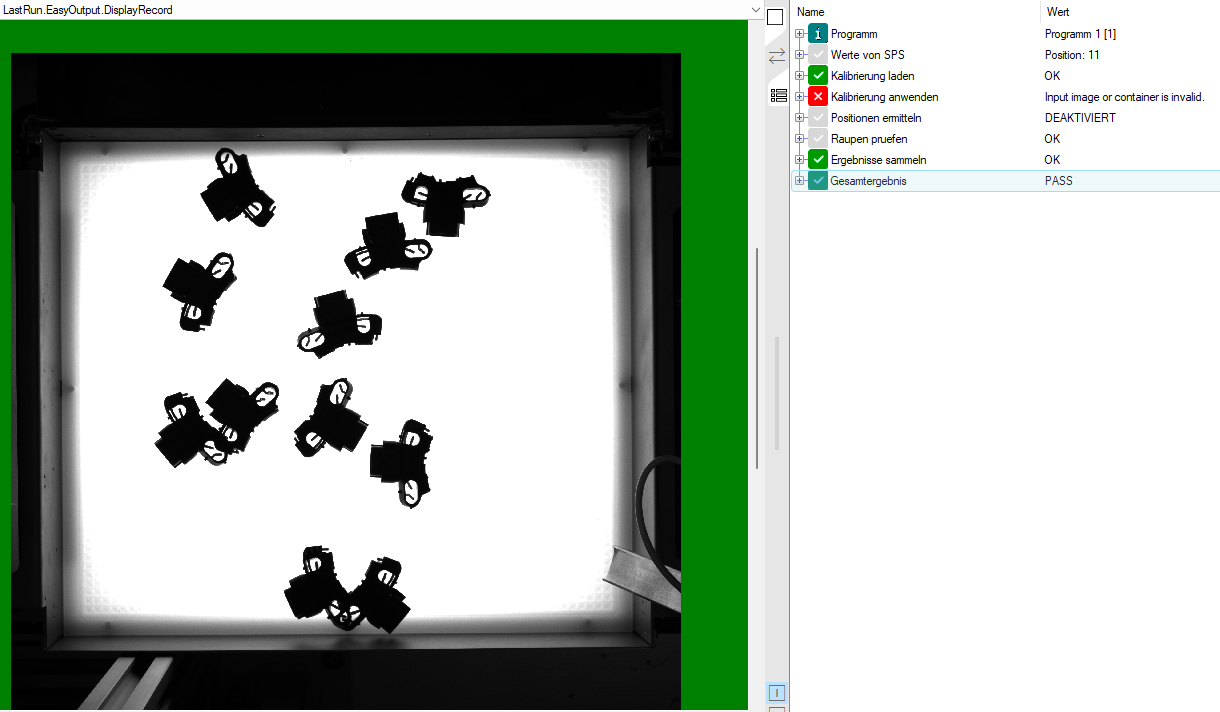
The selected data record is displayed automatically:
-
Image: Depending on the configuration of the saved reporting data, the display image or the raw images are displayed
-
Table: Displays the status of the saved tool information with parameters and measured values