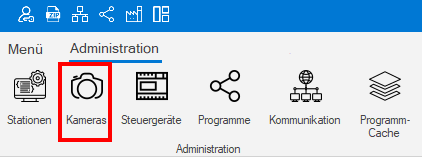
Cameras
All cameras are assigned to a station by serial number.
The cameras can be managed using the right mouse button:
-
Add
-
Edit
-
Duplicate
-
Deleve
| Parameter | Description |
|---|---|
| JobSlot | Assigns the camera to a station. |
| Name | Display name used by the camera. |
| Serial number | Serial number of the camera. All connected cameras can be selected directly via search. |
| Acquisition settings | Video and pixel format should be left at default in 99% of cases. |
| Latency: | Low value: More stable data transfer at higher processor load. High value: Fast data transfer with lower processor load. |
| Camera informations | Displays information from the camera. |
| Camera - Sync offline features | These camera properties are set when the camera is deactivated. |
Information: In case of image transmission errors due to long cable lengths or EMC interference, a low latency value is recommended!
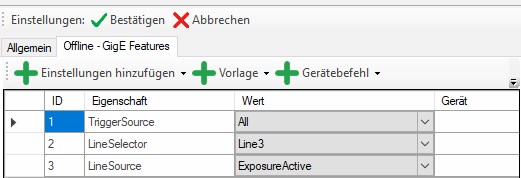
Offline - GigE Features
Each camera has adjustable properties (e.g. lighting control, trigger source, ...).
In some situations it is necessary for a camera to receive new parameters in the offline state.
e.g.: Deactivating the lighting in the offline state, as it would be permanently lit.