EasyRegister
EasySightPro® provides an internal register for data exchange, whereby the data exchange can take place to individual stations or to another communication interface. The register contains a maximum of 4096 values which must be initialized before first use.
As soon as you have selected the EasyRegister in the communication explorer on the left, you can select the respective register entry in the list in the middle. In the properties window on the right, you can first assign a name to the selected register entry. In the New Initialize field, you can then select the desired data type from the drop-down list, with which the register entry is then initialized via the Initialize Data Type button. In the field Status you can see the time of the last change of the register entry as well as the current value. You can also change this value directly here.
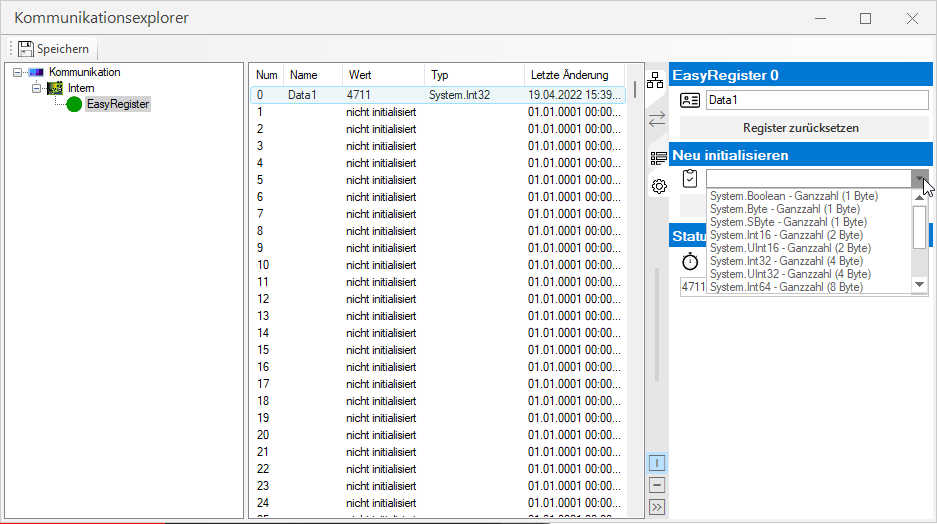
You can also edit the value and name of a tab entry directly in the list.

Right-click on an entry in the list to reset a value, which means deleting it from the list.

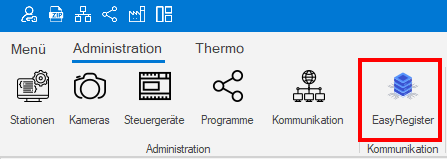
You can access the monitoring and status check via the Administration menu.
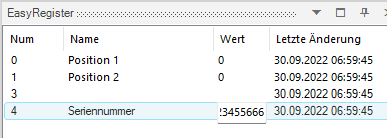
Here the current values can be viewed and changed.
Information: The current values are stored in the EasySightPro® database when exiting from and are available again when restarting.